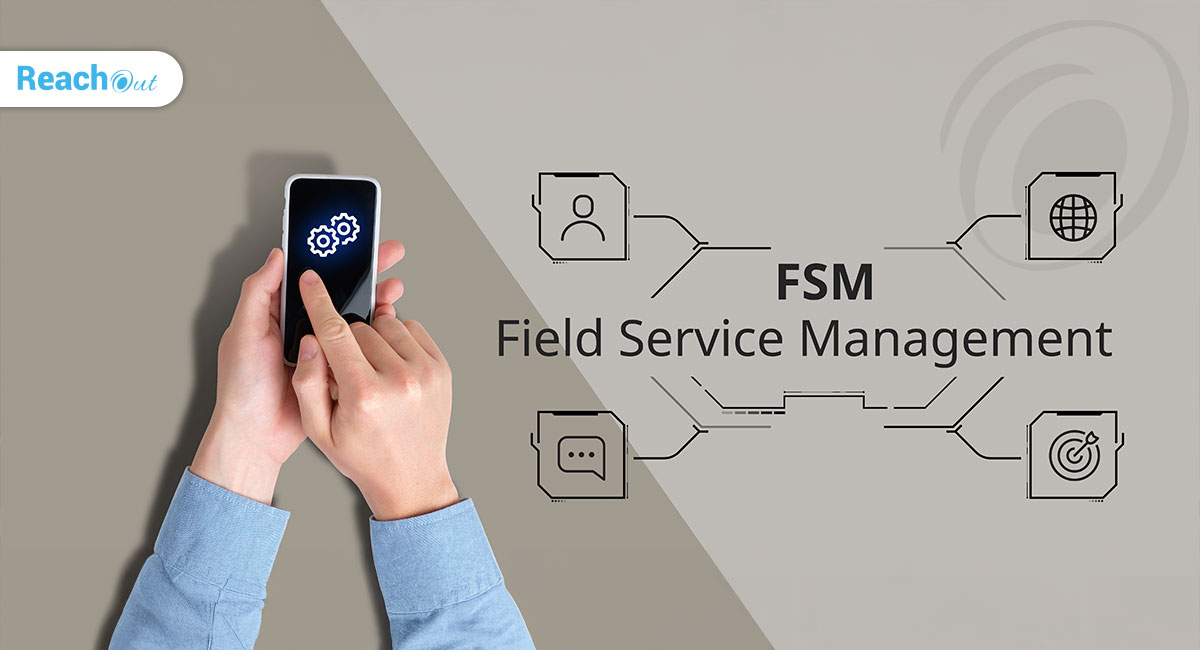
Field service technicians work on the move! They access checklists, forms, invoices, and customer data from phones and tablets every day. While cloud-based software eases this process, they also open doors to threats and vulnerabilities. A weak password or an unsecured device can create major disruptions and data leaks, causing huge losses for companies. That’s why following field service security best practices is a must when using cloud-based software. This blog will take you through some of the top security practices to follow.
1. Enable Secure User Access and Role-Based Permissions
Network security depends on keeping threats at bay. Protecting the network perimeter does not work when the activity is at client locations. Cloud-based field service software security rather depends on user access and role-based permissions.
As field service security best practices would be to apply the principle of “least privilege” when granting user access. Users get only the minimal required access to perform their tasks. Use Identity and Access Management (IAM) policies to implement such role-based access control.
Adopt the “Zero Trust” security model that “never trusts, always verifies.” The system does not trust any user or device by default. The system checks the authenticity of each request. Access rights become dynamic, depending on the situation.
Enforce multi-factor authentication (MFA). The access control methods may vary. It could, for instance, be a mix of passwords, biometrics, or tokens. Regardless, MFAs validate users and prevent unauthorized access from lost or shared devices.
These are, however, only the basic cloud-based field service software security. These measures are incomplete without other field service security best practices.
2. Protect Data With Encryption and Secure Cloud Storage
Field service software stores data in cloud servers. Such data is at high risk both in transit and in storage. The field service security best practice to protect data is encryption.
The effectiveness of encryption depends on the applied standards. And the best standards vary for data at rest and data in transit. Strong standards, such as AES-256 or TLS 1.3 works best. The encryption key also matters. The key may be provider-managed or customer-managed. Regardless, keep rotating the keys.
As a best practice, enable automatic server-side encryption by default. Deploy client-side encryption for sensitive data. These options offer the best trade-off between security and control.
Complement the above best practices by securing local and offline data storage. Enable device-level encryption with platform-specific keys. Also, isolate sensitive databases using private endpoints.
3. Ensure Mobile Device and App Security
Field service software is useless without mobile apps. But mobility expands the attack surface and introduces new risks.
The most effective solution is to provide remote users with company tablets that have built-in security protocols. But this is not always practical. Budget and logistics come in the way. Rather, enforce security through layered access controls and device authentication.
Layered access control entails safeguards at different levels or points. A good stack for field service operations is a network firewall, multi-factor authentication, and encryption. If one layer fails, other layers still protect the system
Device authentication adds a hardware-level check beyond user credentials. The verification may either be certificate-based or by whitelisting trusted, company-managed devices. This approach blocks unauthorized personal devices from accessing the network. Also, threat actors cannot use compromised or jailbroken devices to effect a breach.
Mobile Device Management (MDM) tools allow enterprise IT to lock compromised devices. It can also apply field service security best practices, such as local encryption.
4. Maintain Audit Logs and Activity Tracking
Activity tracking and audits track user actions, system events, and data access.
Activity tracking detects and preempts unauthorized access and activity. The system issues trigger alerts and automated responses on detecting suspicious patterns. The network security team can get into action straightaway.
Auditing activity logs identifies compromised accounts and other insider threats. These logs also become handy for root-cause analysis during incidents. It pinpoints who has accessed or changed the data, to fix accountability. These audits may be an unavoidable compliance requirement anyway. Many regulations, such as GDPR and HIPAA, mandate such audits.
Position activity tracking and audits as approaches to improve operational visibility. A surveillance approach leads to perceived trust issues and loss of morale.
5. Make Regular Updates and Backups
Cybersecurity is a cat-and-mouse game. Security teams and threat actors always try to detect vulnerabilities. In such a context, regular patch updates are one of the top field service security best practices. Regular patch updates fix vulnerabilities before threat actors can exploit them. These updates may, for instance, replace compromised libraries, certificates, or API keys.
Regular updates also upgrade security configurations. It may, for instance, change encryption keys and fix inherited misconfigurations.
An important cloud-based field service software security best practice is automating misconfiguration scans. Misconfigurations are unavoidable. The encryption may become disabled, or access controls may be permissive. Automated scanners catch such misconfigurations before lurking threat actors can exploit them. On detecting errors, the scanning tools auto-remediate issues or issue alerts.
Automated backups protect data from corruption and loss. As a best practice, enable immutable backups or versioned object storage. These options help field services overcome ransomware attacks and keep operations resilient.
6. Train Teams on Security Awareness
One underestimated field service security best practice is training.
Insider threats and breaches due to user ignorance occur despite the best of security protocols. Verizon’s 2025 Data Breach Investigations Report pegs human error as the root cause for 60% to 68% of all breaches.
Training interventions improve awareness and promote a proactive security culture. Aware employees do not mishandle data or click on unknown links. Simulated phishing and behavior reinforcement training reduces employee-caused incidents by up to 72%.
Conclusion
Cloud platforms come with inherent security risks. But they are still much safer than manual and on-premise systems. Manual systems have little to no safeguards. Most on-premises systems have security added as a layer. In contrast, cloud platforms integrate field service security best practices into the software.
Secure, cloud-based field service software such as ReachOut enables safe operations and integrity. The improved safety increases productivity, efficiency, and overall positivity. This, in turn, increases profitability, makes customers happier, and makes the business more competitive.
Try out ReachOut today!
Digitize your field service operations from scheduling to invoicing with ReachOut. Connect your technicians with the companion mobile app to execute jobs and reduce paperwork in the field. Try ReachOut now and give your customers the fast and quality service they deserve.
Get Started

Archana
Archana is a Digital Marketing Executive at ReachOut Suite, where she focuses on SEO, branding, and content marketing. She works on enhancing website performance, increasing online engagement, and shaping effective brand strategies. Archana also leads social media campaigns and leverages marketing insights to strengthen the company’s digital presence.
More posts by Archana
Related Posts

How FSM Managers Can Improve Communication Between Office and Field Teams
Most FSM businesses struggle to see real success despite investing in...

Why Invest In Field Service Software for Security Systems?
Security systems are always in demand. But businesses providing these...

How ReachOut Audit Software Helps Manage Audits and Inspections Like a Dream
Why organize and simplify your inspections and audit scheduling with...