
Digital Forms
Digital Forms
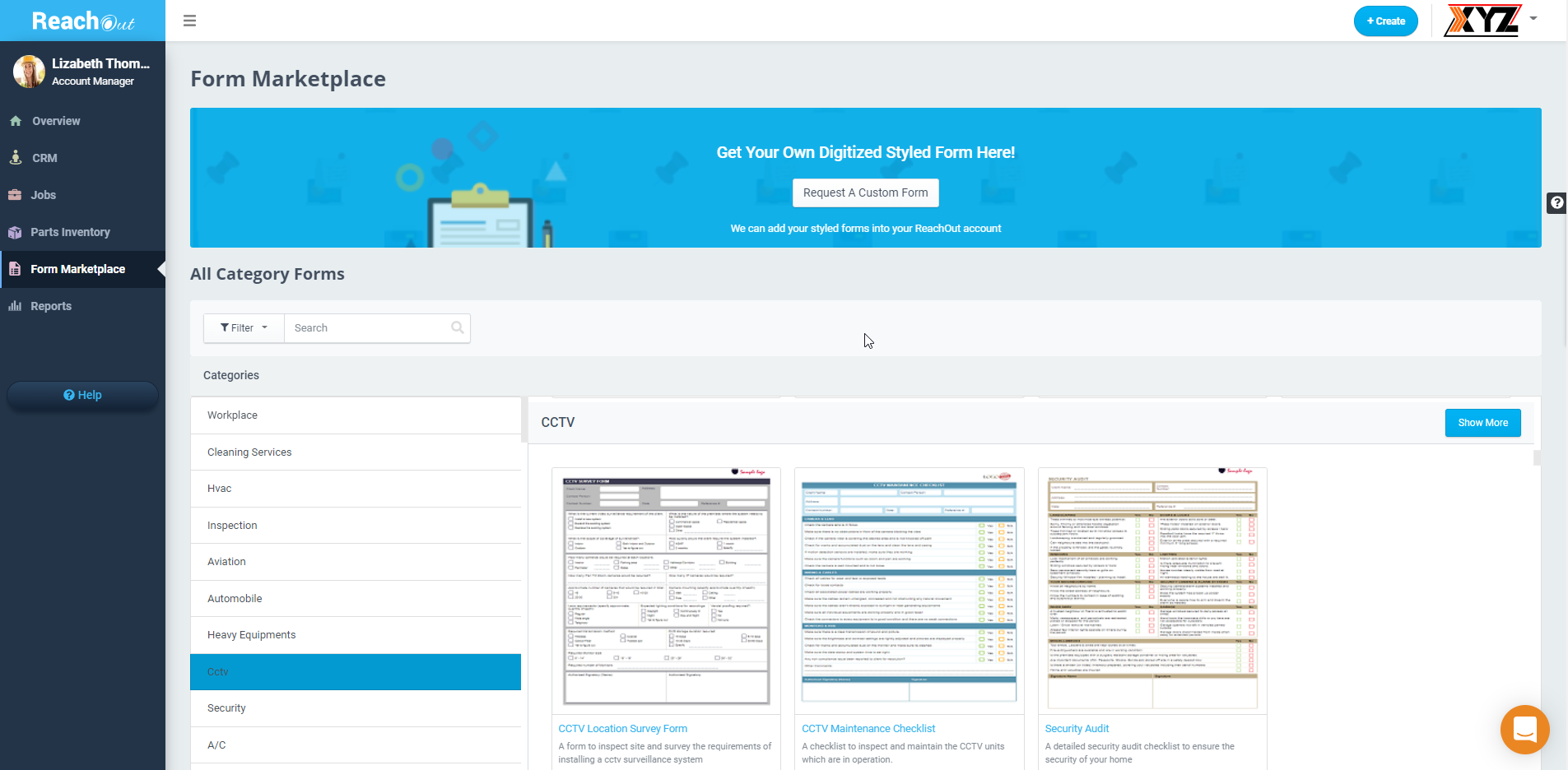
Predefined & Customizable Forms
- Turn your field crew’s smartphones or tablets into reliable data collection tools to record service details and job-specific requirements, capture images, annotate, and add comments.
- Convert your existing paper forms to digital forms. Or get custom digital/styled forms with specific fields created for your business.
- Our digital forms marketplace of ready-to-use industry-specific forms. Alternatively, you can use our built-in form builder to create and customize standard forms. Add conditional logic when customizing forms to dynamically generate relevant questions based on user responses.
Start Free Trial

Graphical Job Scheduling
Graphical Job Scheduling
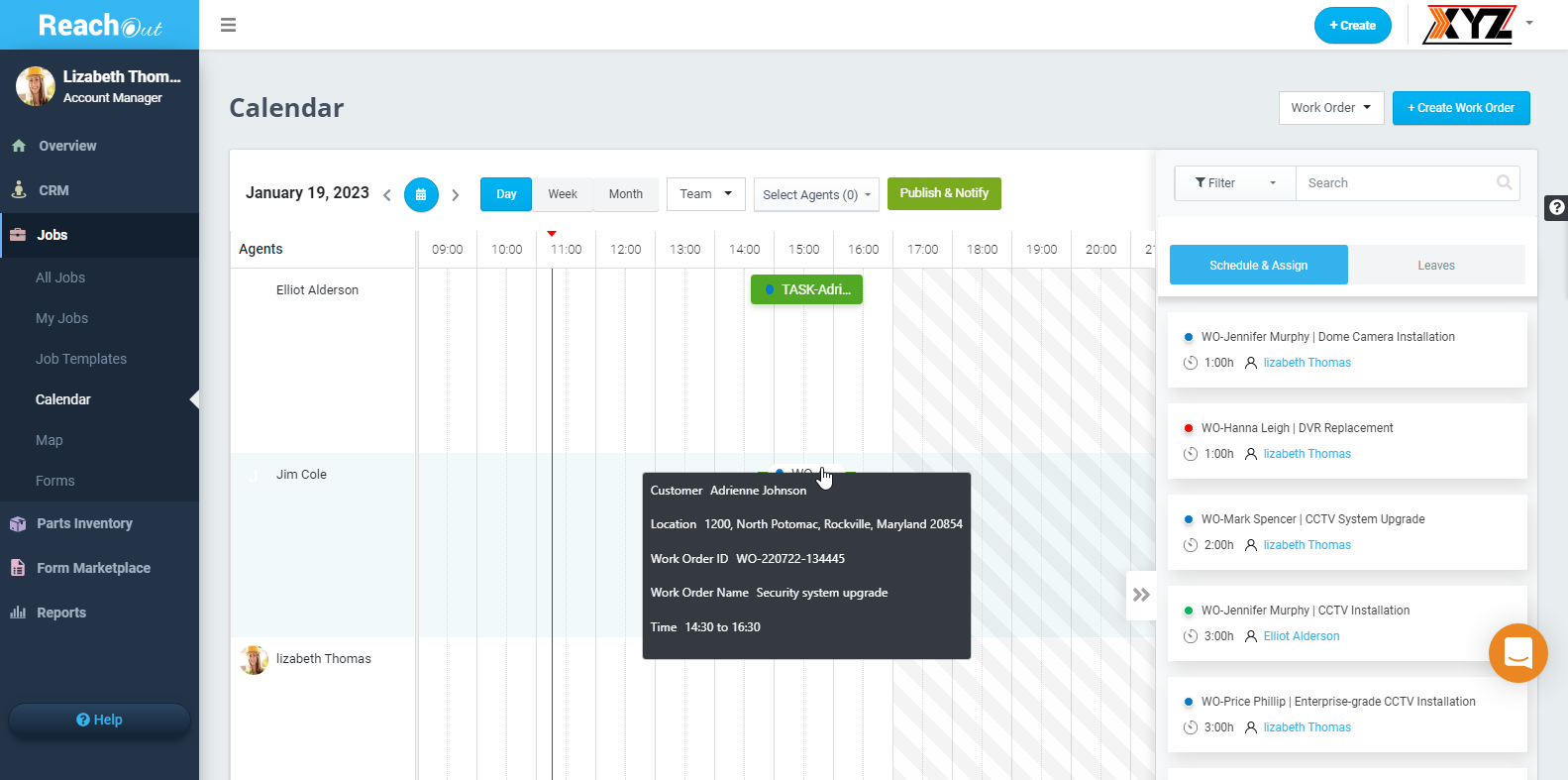
Monitor & Prioritize Workloads
Dispatch Field Technicians
- Manage the job schedules of your garage door service technicians and dispatch them to work sites with accurate job-specific information.
- Instantly assign and reassign jobs based on priority using the drag and drop scheduler and alert your garage door technicians with mobile notifications.
- Track and manage all your garage door repair jobs, technicians, teams, assignments, and more – in one place using the integrated map view.
Request Demo

Mobile App
Mobile App
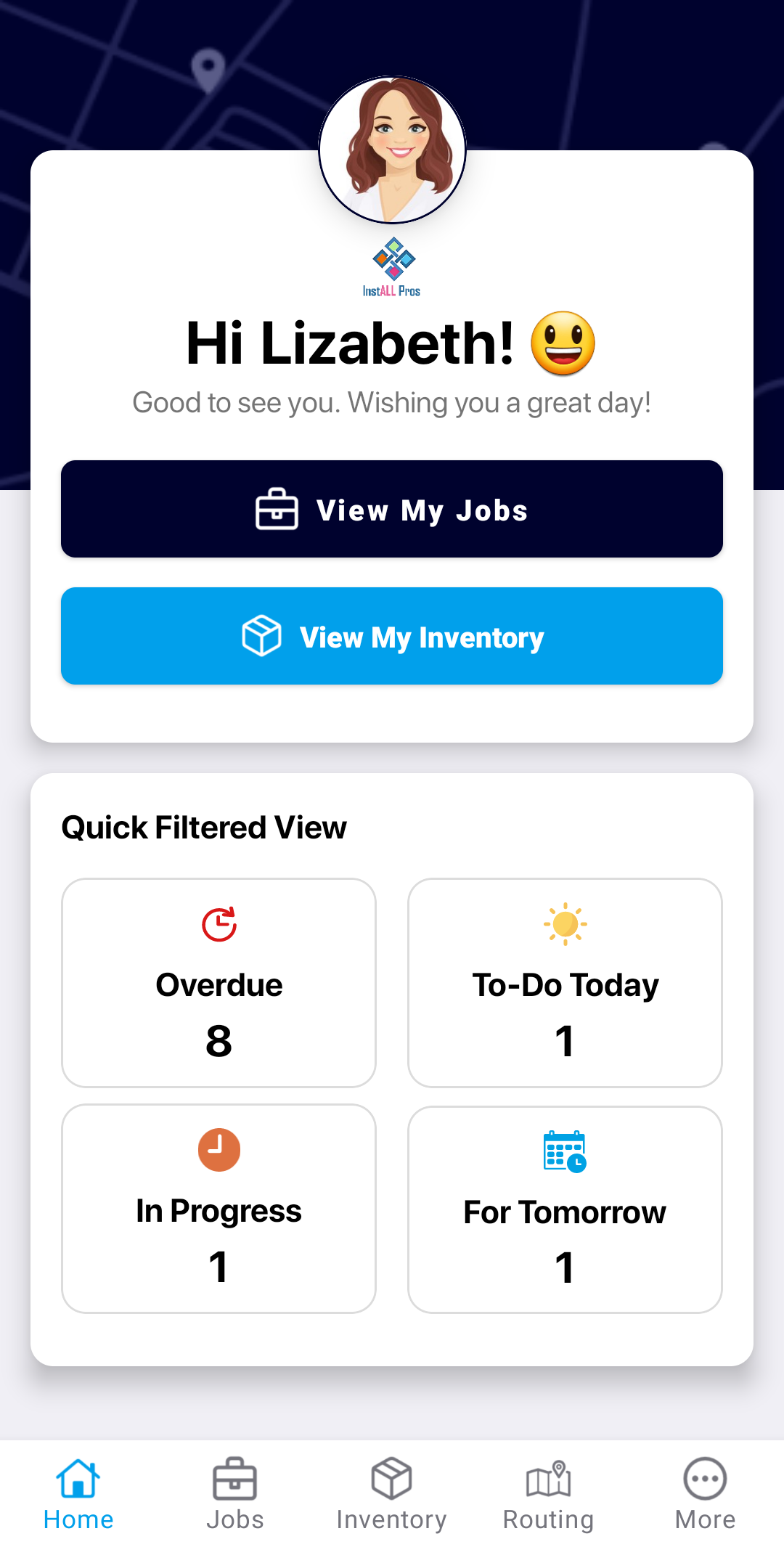
Mobile Forms & Checklists
- Garage door technicians can add new jobs on-site, access checklists and forms on mobile, view allocated parts and return inventory, capture customer signatures, and create invoices using the mobile app.
- Garage door technicians traveling to different work sites can view all their upcoming, pending, and completed tasks in a single view.
- Instant job alerts on mobile help notify your garage door technicians when new tasks are assigned. Technicians are also provided with up-to-date job details relevant to each task.
Request Demo

Route Optimization
Route Optimization
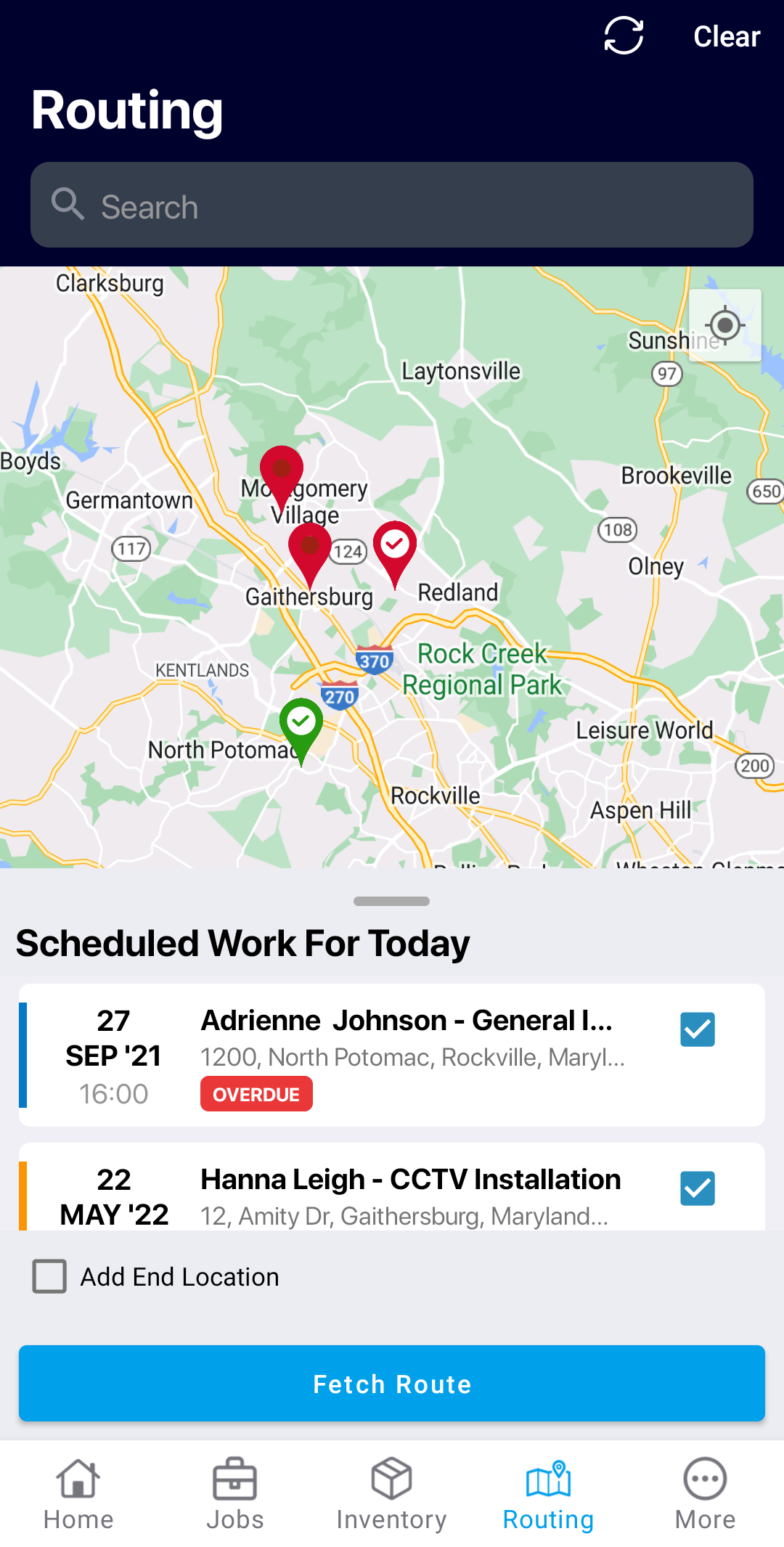
- Dynamic reordering and selection of optimal routes for garage door technicians who need to cover multiple locations in a day.
- Route optimization allows field technicians to reach work sites faster, so they can reduce the time spent on roads, enhance productivity and maximize efficiency.
- In case of any last-minute job schedule changes, you can replan and finalize routes for technicians. The planned route will remain active for 24-hours and then resets automatically, so you can plan a new route.
Request Demo

CRM
CRM
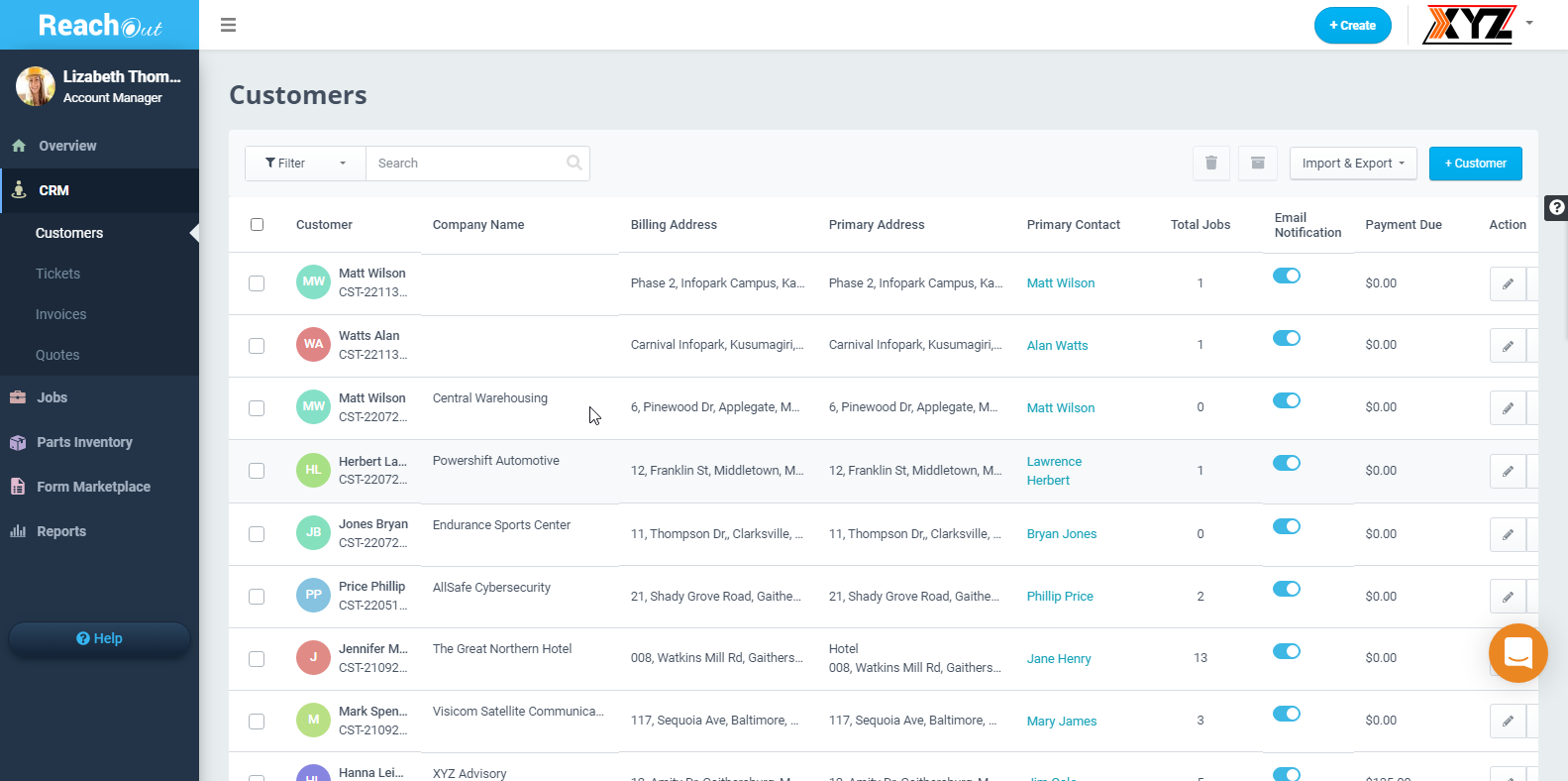
- Store your entire customer data – service history, contact details, site address – all in one place for instant retrieval at any time.
- Garage door service requests received via phone/email can be manually recorded as work tickets. Each ticket can be saved as a reference to review the details of previous jobs or to track the life cycle of each request.
- Raise quotes covering service costs and share directly to customers via email. Also convert approved quotes into a work order.
Request Demo

Customer Portal
Customer Portal
Request Work & Track Status
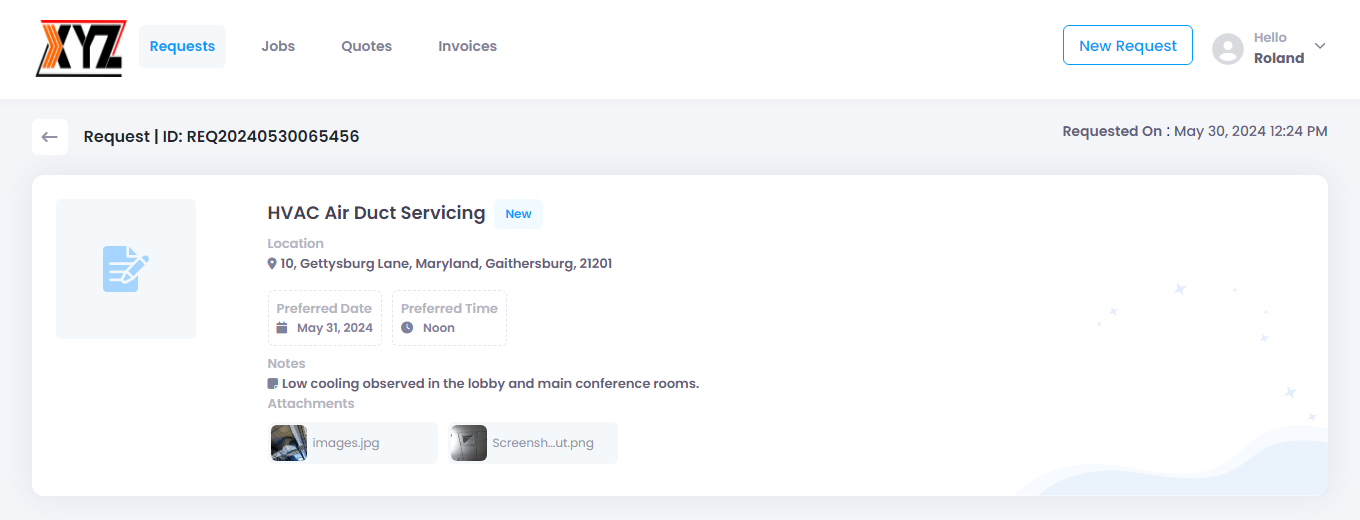
- Online portal for customers to request locksmith repairs or services and review scheduled jobs.
- Customers can view and track the status of all their service requests in one place, thereby reducing their dependency on customer service reps.
- Customers can view locksmith job quotes and their statuses, accept/reject quotes or suggest revisions, and view and download invoices.
Request Demo

Parts Inventory
Parts Inventory
Track Allocated Parts & Returns
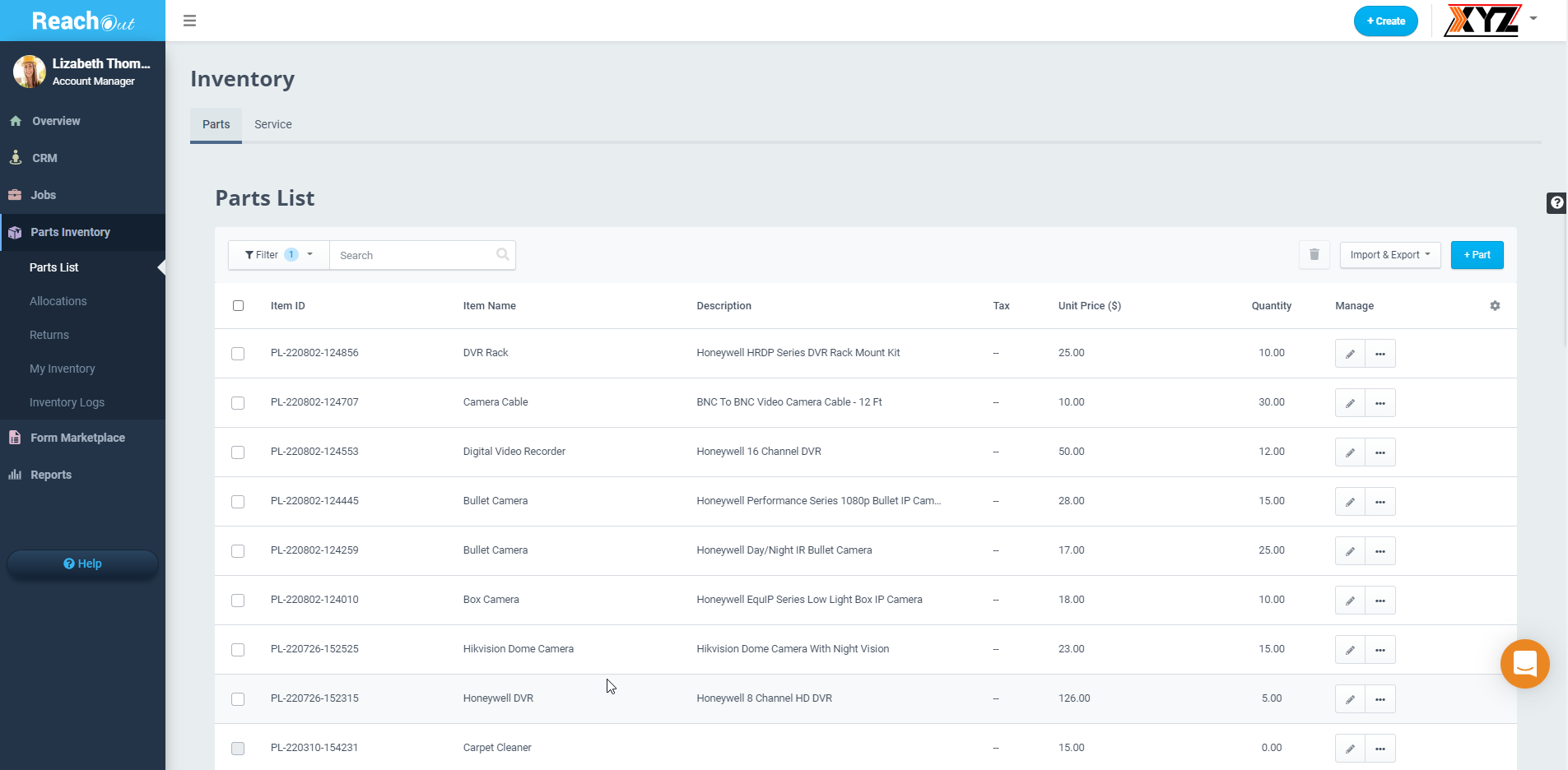
View & Organize Parts List
- Track the products, parts, and materials used for every garage door service or repair job to ensure that your job budgets are always met.
- Gain full visibility into your job costs, margins, inventory allocation and usage, charges collected for using extra fixtures or parts, and more.
- Manage returns (accept/ reject returns), add new garage door service materials and equipment parts, view complete parts list, and track all logs.
Request Demo

Field Ticketing, Estimation & Quotes
Field Ticketing, Estimates & Quotes
- Record the initial stages of all jobs as tickets and convert the tickets into work orders or inspections to make your workflows more transparent.
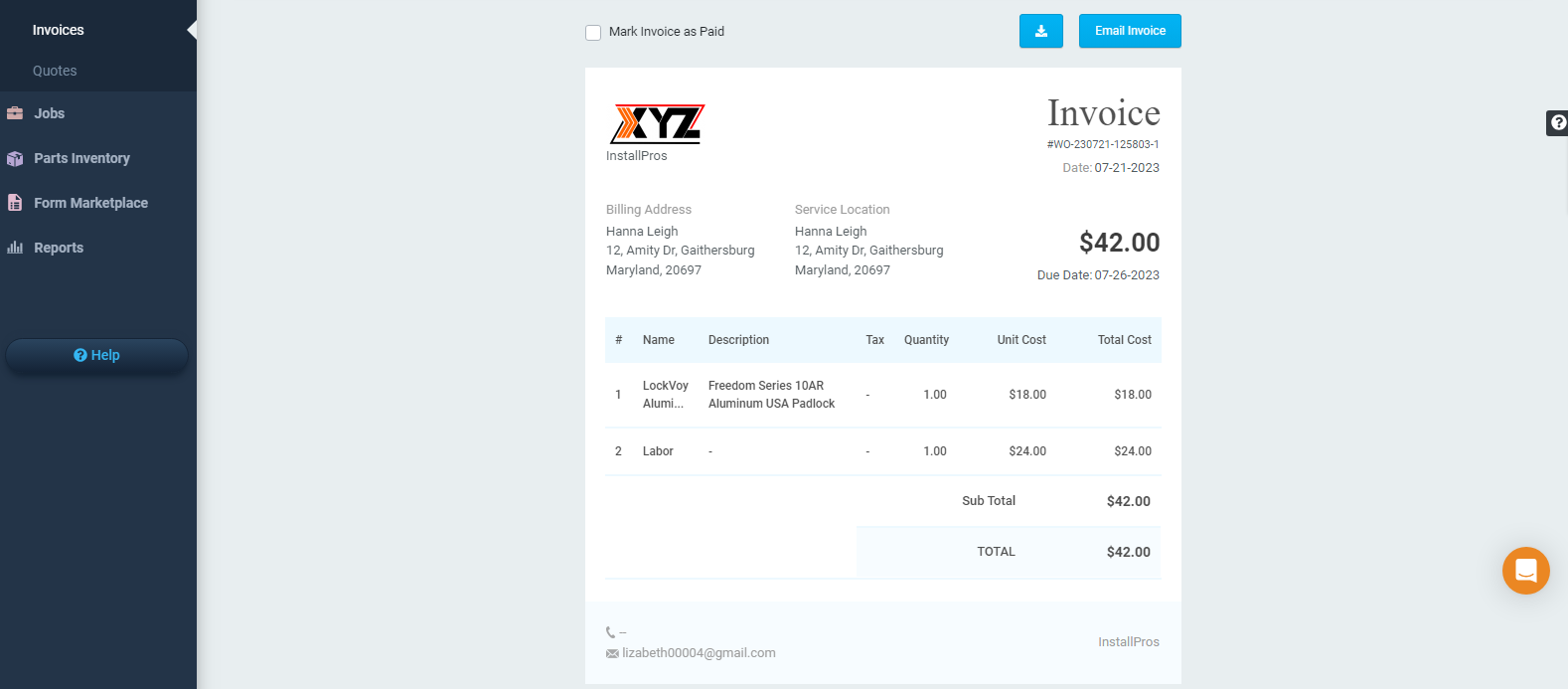
- Create detailed estimates for each job, including parts, overheads, and labor costs. Convert job quotes to work orders/inspections and raise invoices upon job completion.
-
Create quotes easily, convert approved quotes to work orders, and ensure effective and prompt services without hassles.
Start Free Trial

Accounting Integration & Open APIs
Accounting Integration & Open APIs
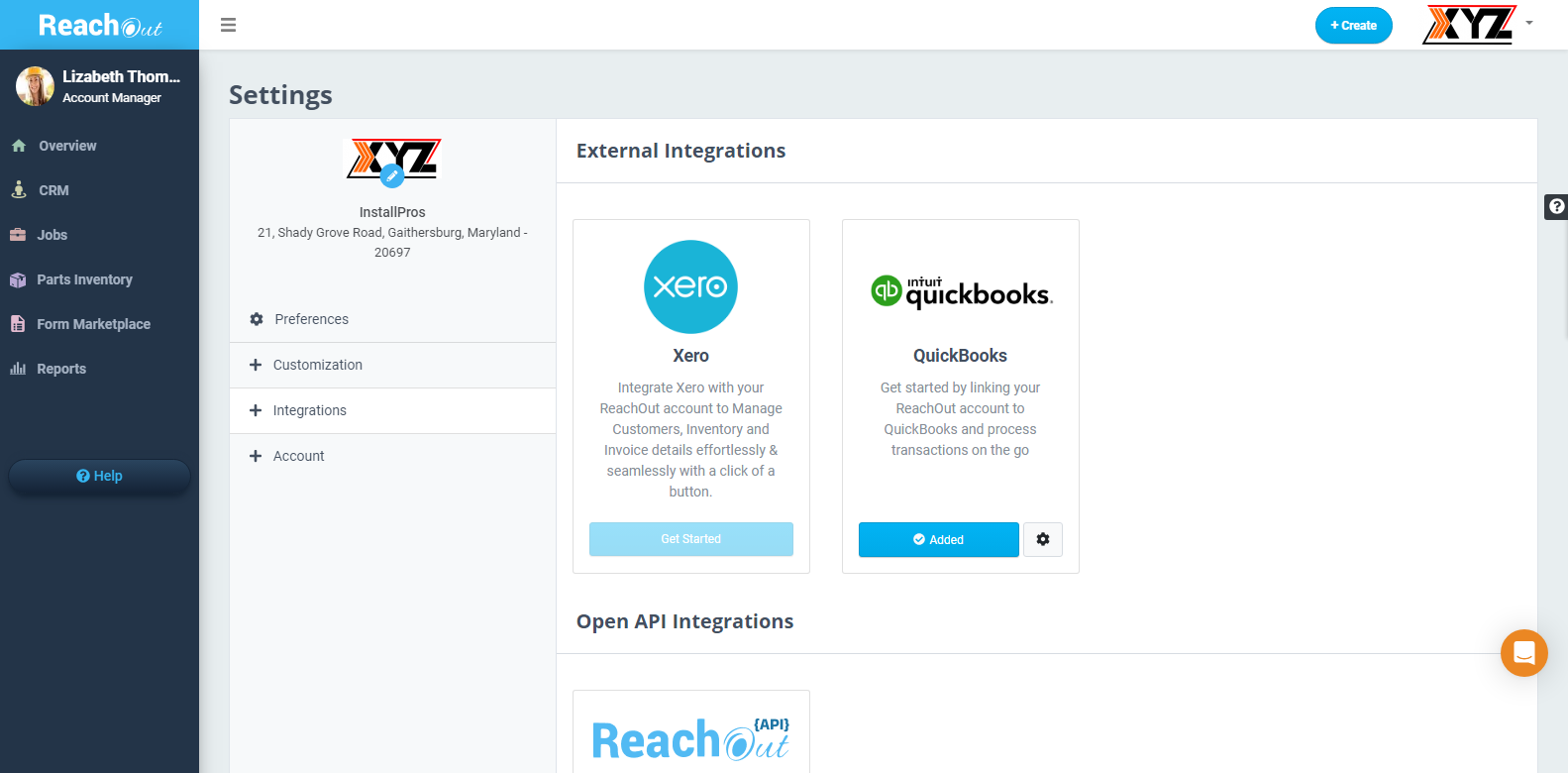
QuickBooks & Xero Integration
Transparency in Accounting
- Integrate ReachOut with QuickBooks or Xero accounting software to track your financial transactions seamlessly.
- Details related to your customers, invoices, and payments are synced to the external accounting software (QuickBooks or Xero) directly from ReachOut.
- Access information related to customers, jobs, tickets, invoices and other modules on ReachOut through open APIs and integrate the details with your system.
Request Demo

Job Tracking
Job Tracking
- Easily check the current status of a job with the progression bar.
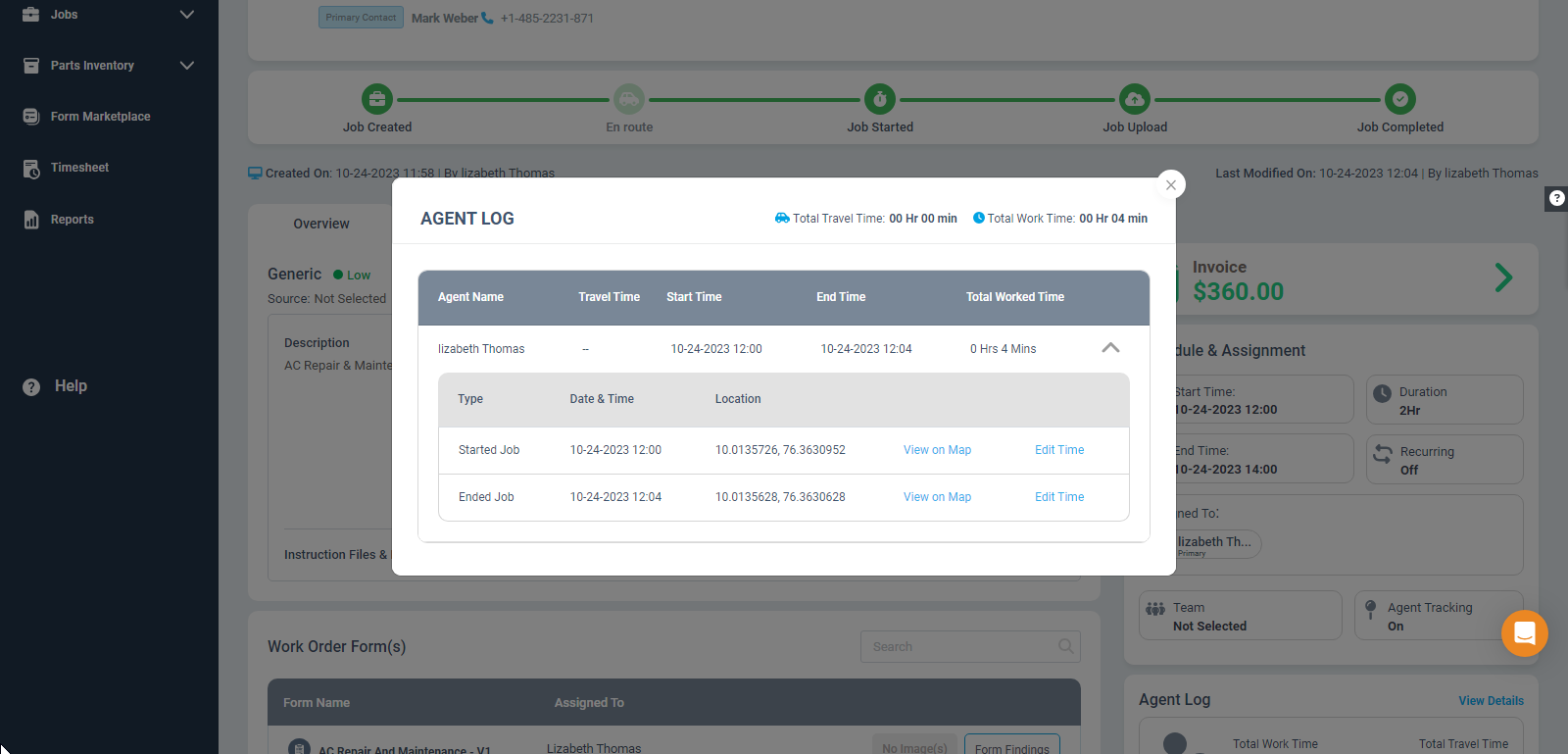
- Track the recorded work hours of your garage technicians for payroll and precise timesheets.
- Verify technicians’ arrival at the customer’s location using the geofencing feature.
Start Free Trial

Asset Management
Asset Management
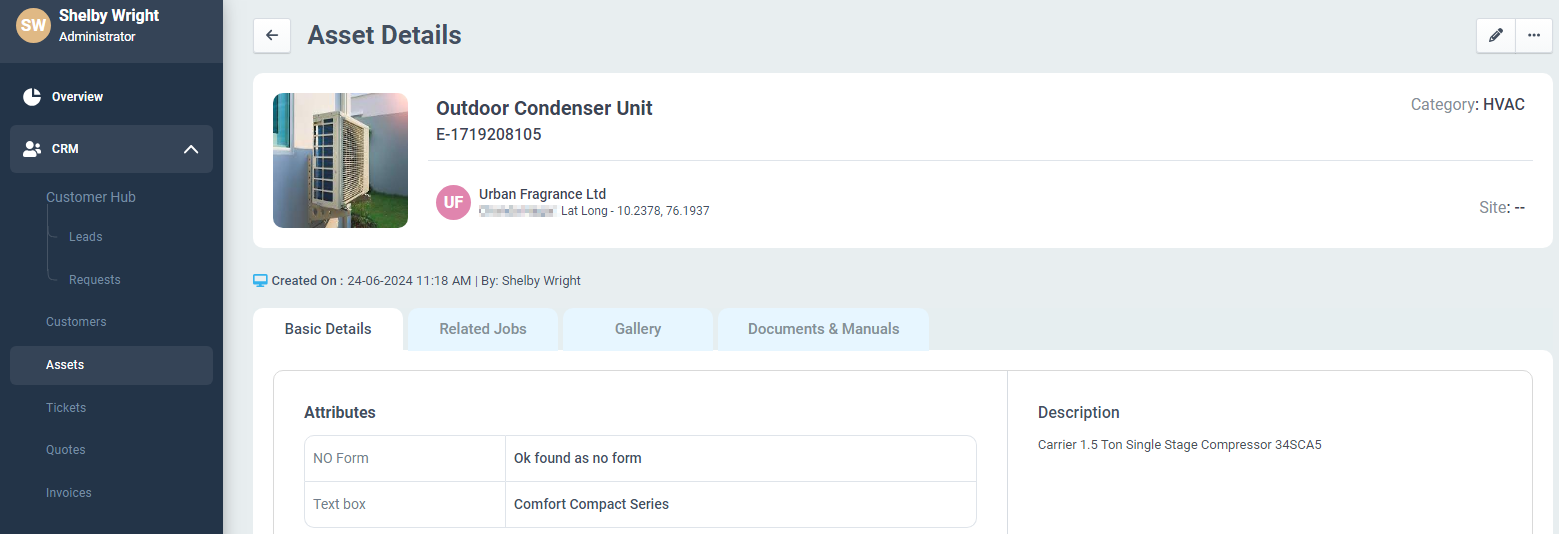
- Garage door technicians can handle and maintain various assets at customer sites, including door openers, torsion springs, safety sensors, etc.
- Specify new assets with different attributes and categorize them for easy reference. Link to work orders or inspections hassle-free.
- Readily access detailed asset service history for preventive maintenance, quick diagnostics, and repairs on specified equipment.
Start Free Trial




































 Try 7 Days for