Managing App Settings
Now that you’re familiar with the mobile app, the next step involves managing different settings like user profiles, monitoring the job upload progress, viewing the time logs, managing inventory, and setting the language to suit the needs of field technicians, contractors, or other users who will use the app.
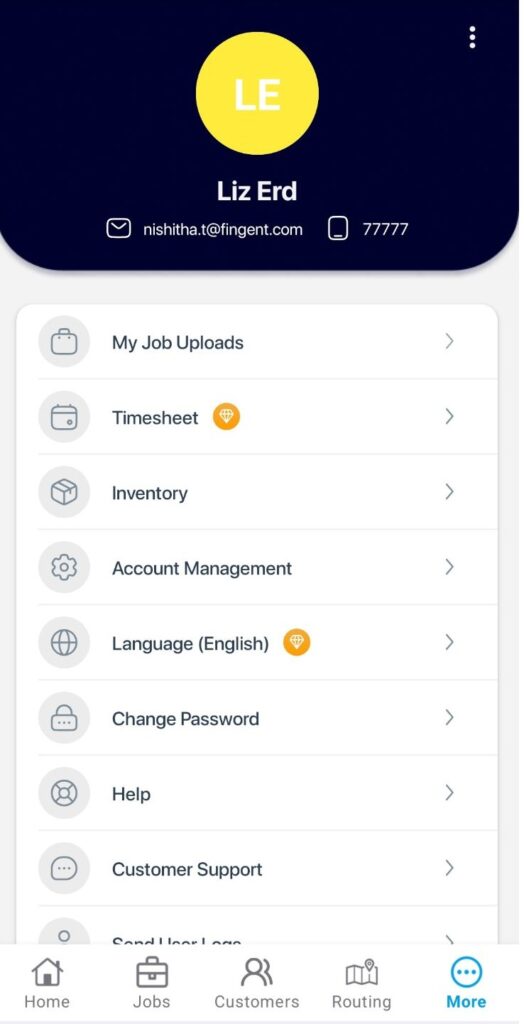
MANAGE USER PROFILE
Once you’ve logged in:
- Tap on More at the bottom navigation bar.

- Setting user profile.
- Tap on Edit on the top right of the screen.
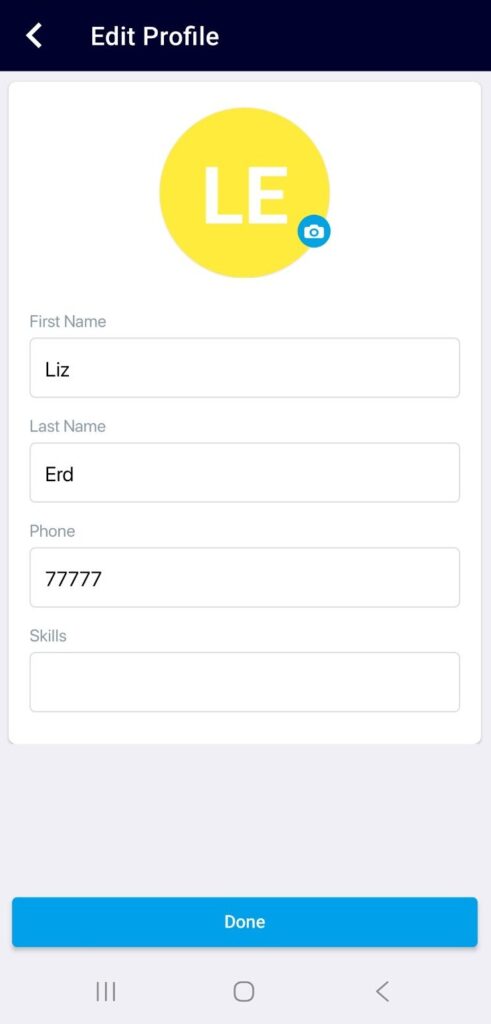
- Add a profile photo using the camera icon.
- Enter required user details. Tap on Done.
MY JOB UPLOADS
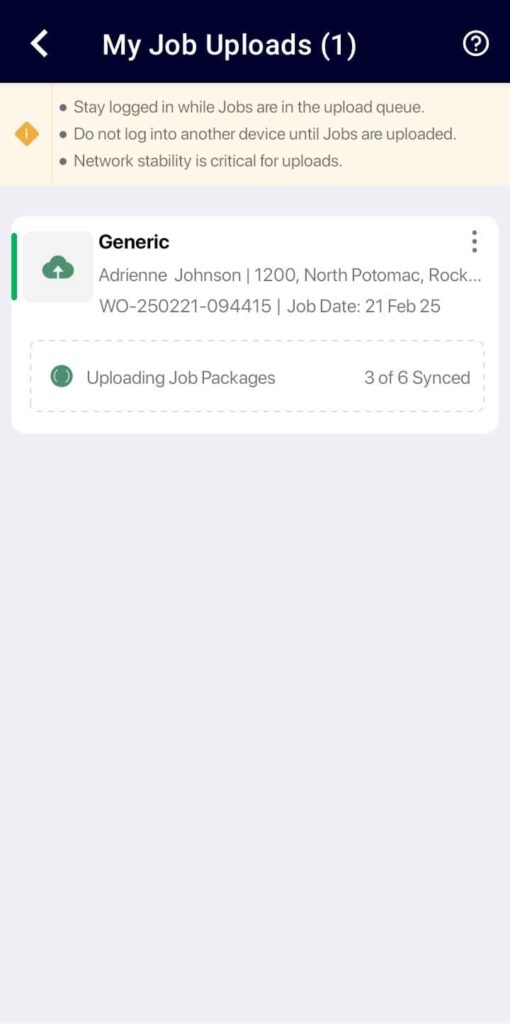
Tap on the My Job Uploads option to monitor the progress of your submitted jobs, while they are being uploaded to ReachOut Web Application.
TIMESHEET
Tap on the Timesheet option to view your time logs for the current week, last 7 days, current month, and for the selected period. By default, the current week’s timesheet will be shown.

INVENTORY
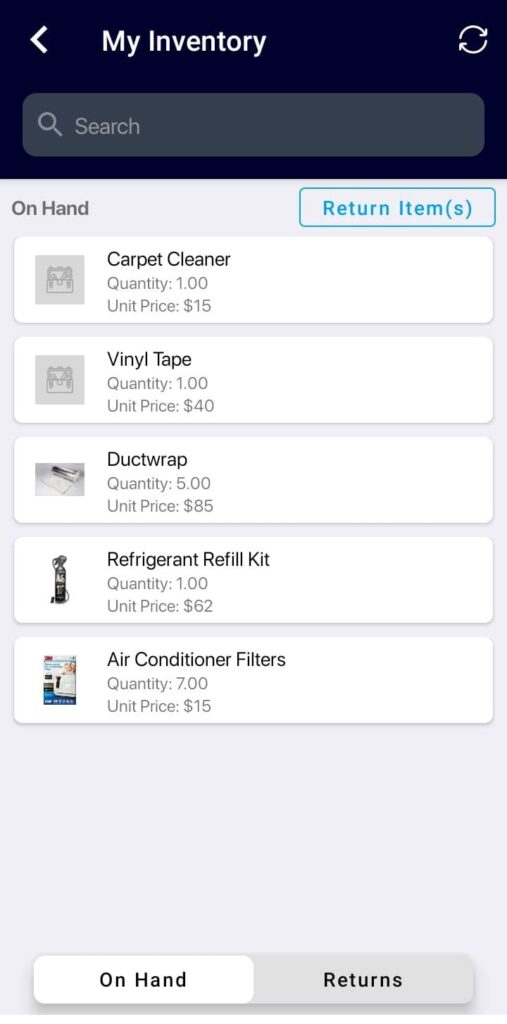
Tap on the Inventory option to manage and control the parts used to complete their respective jobs on-site. Refer to My Inventory article for more details.
ACCOUNT MANAGEMENT
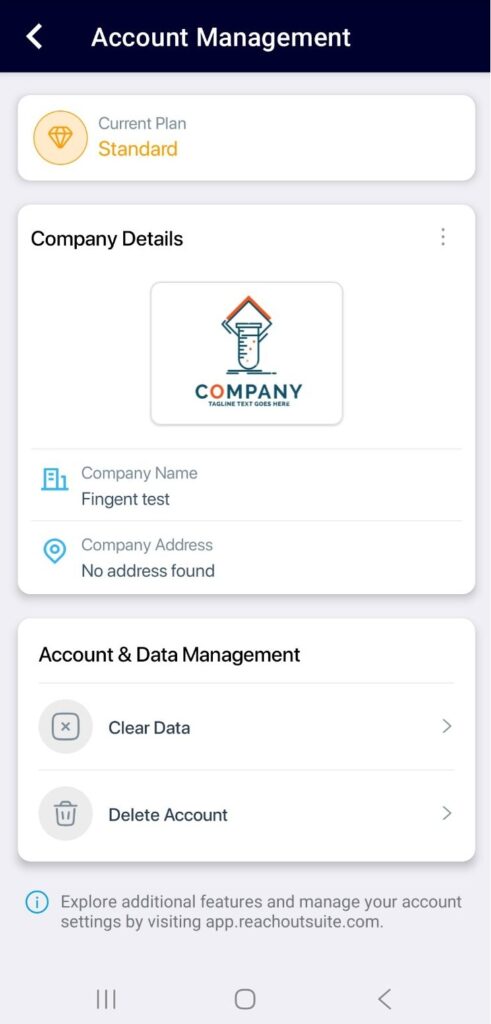
Tap on the Account Management option to update basic company details, including the logo, name, and address of the company.
You can clear account data and sample data to start fresh. User accounts, teams, and settings are retained and are not deleted.
LANGUAGE
Tap on the Language option and choose the language of your choice.

CHANGE PASSWORD
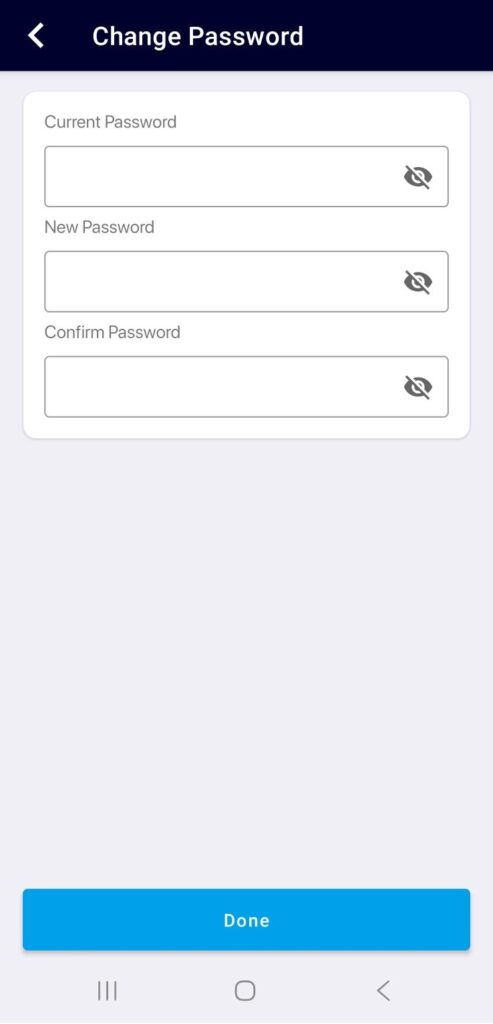
Follow the steps below to change your password.
- Tap on Change Password.
- Enter a new password and then tap Done.
If you’re facing any issues logging in or changing your password, contact our support team here.
CUSTOMER SUPPORT
Tap on the Customer Support option to reach out to our Customer Support team.
The Settings menu provides quick access to profile management, job tracking, timesheets, inventory, account settings, language preferences, and password management, helping you customize and manage the app effectively.