
Graphical Job Scheduling
Graphical Job Scheduling
Monitor & Prioritize Workloads
Dispatch Field Technicians
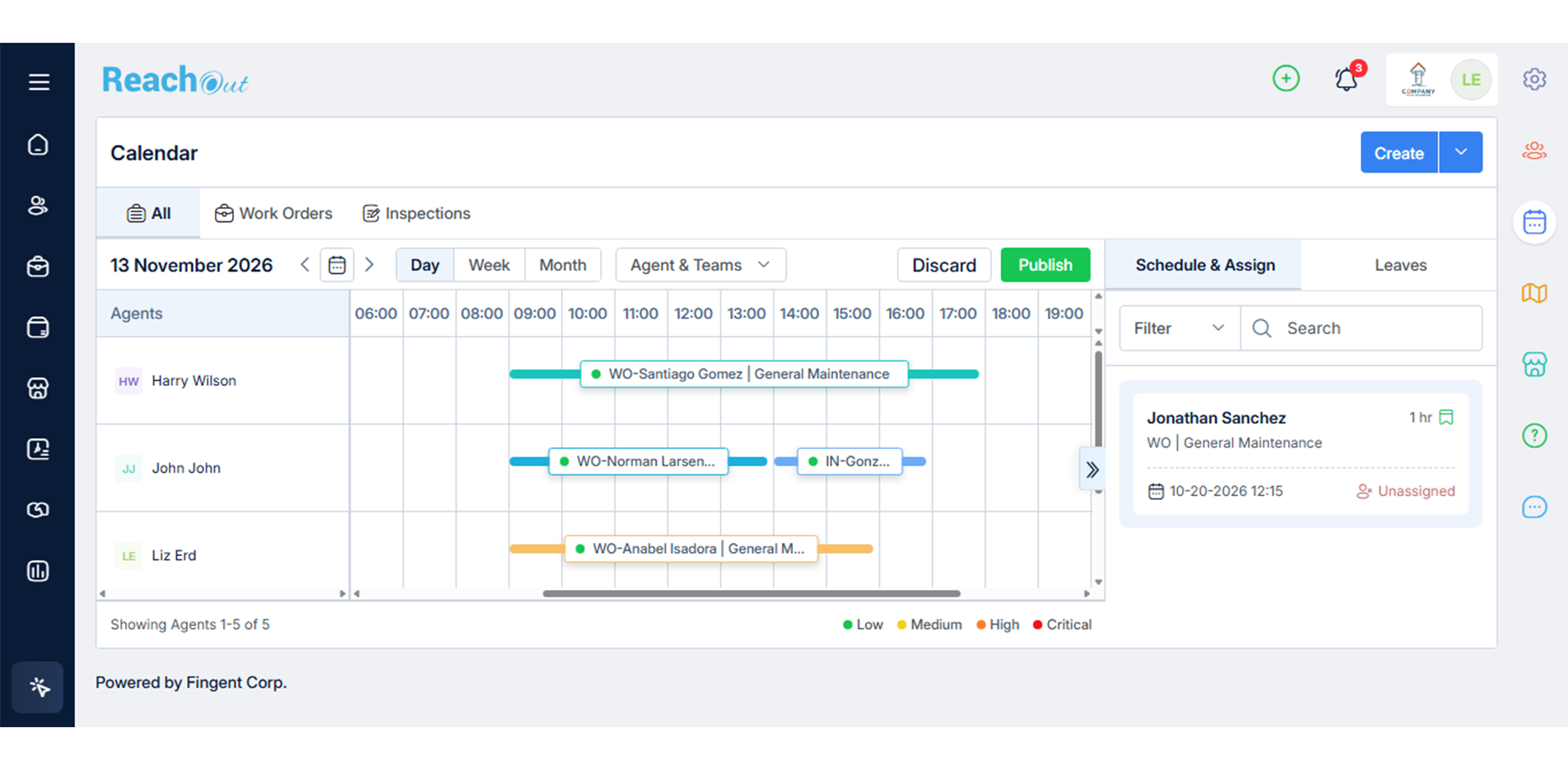
- Organize and track your technicians’ work schedules. Dispatch them to job sites with up-to-date task-specific data.
- Sort workloads and instantly reschedule jobs using the drag-and-drop scheduler. Notify technicians about schedule changes using instant mobile alerts.
- Track and manage all your work orders (both scheduled and recurring), technicians, tasks, and more—in one place using the integrated map view.
Start Free Trial

Route Optimization
Route Optimization
- Arrange each day’s schedule in the required (specific) order, so your team can complete jobs at the nearest location first.
- Timely route replanning saves your team’s time and improves their efficiency. It helps them reach their destinations faster.
- The planned route will remain active for 24 hours and then reset automatically, allowing you to plan a new route.
Start Free Trial

Mobile App
Mobile App
Digital Forms & Checklists
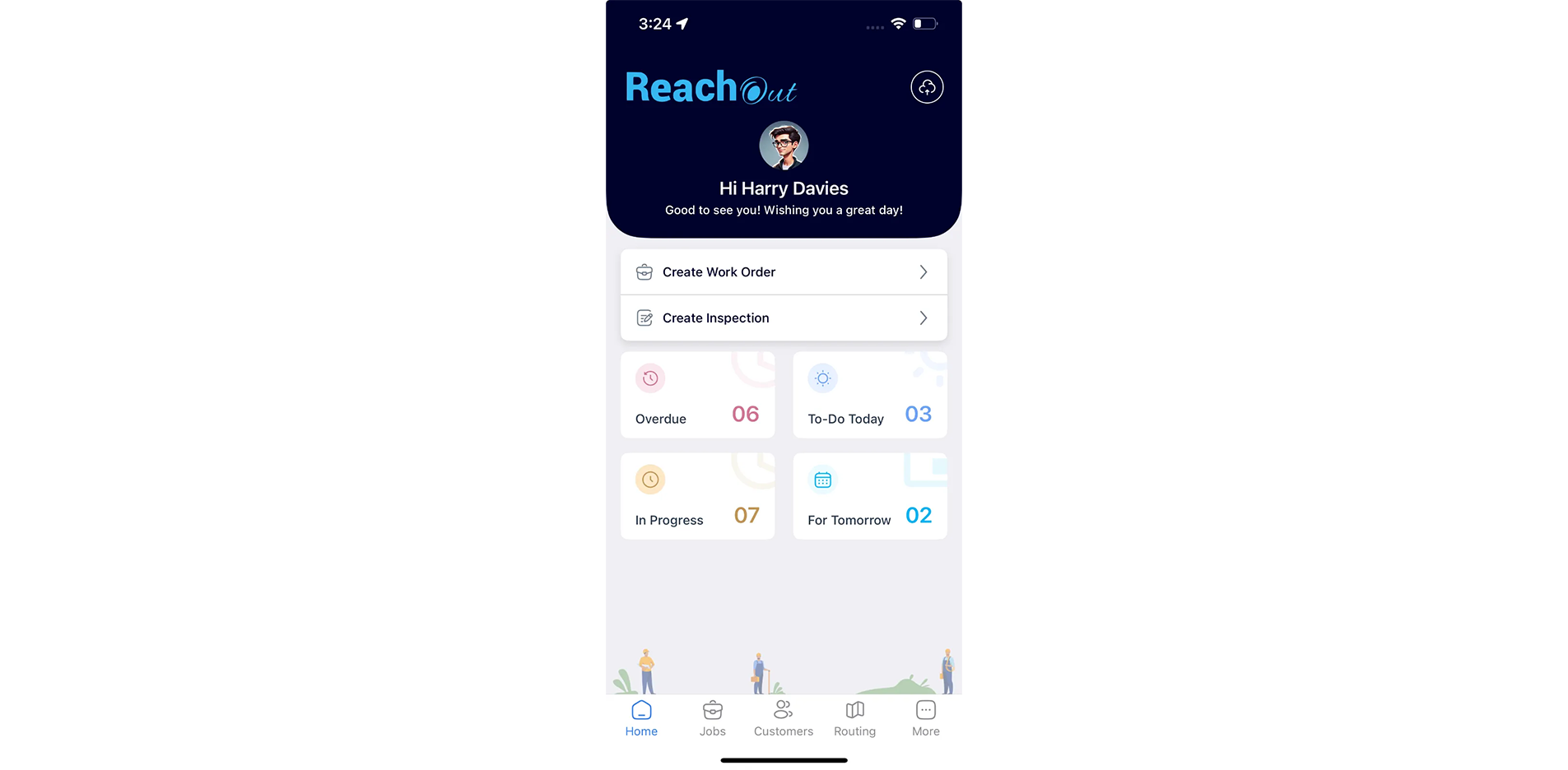
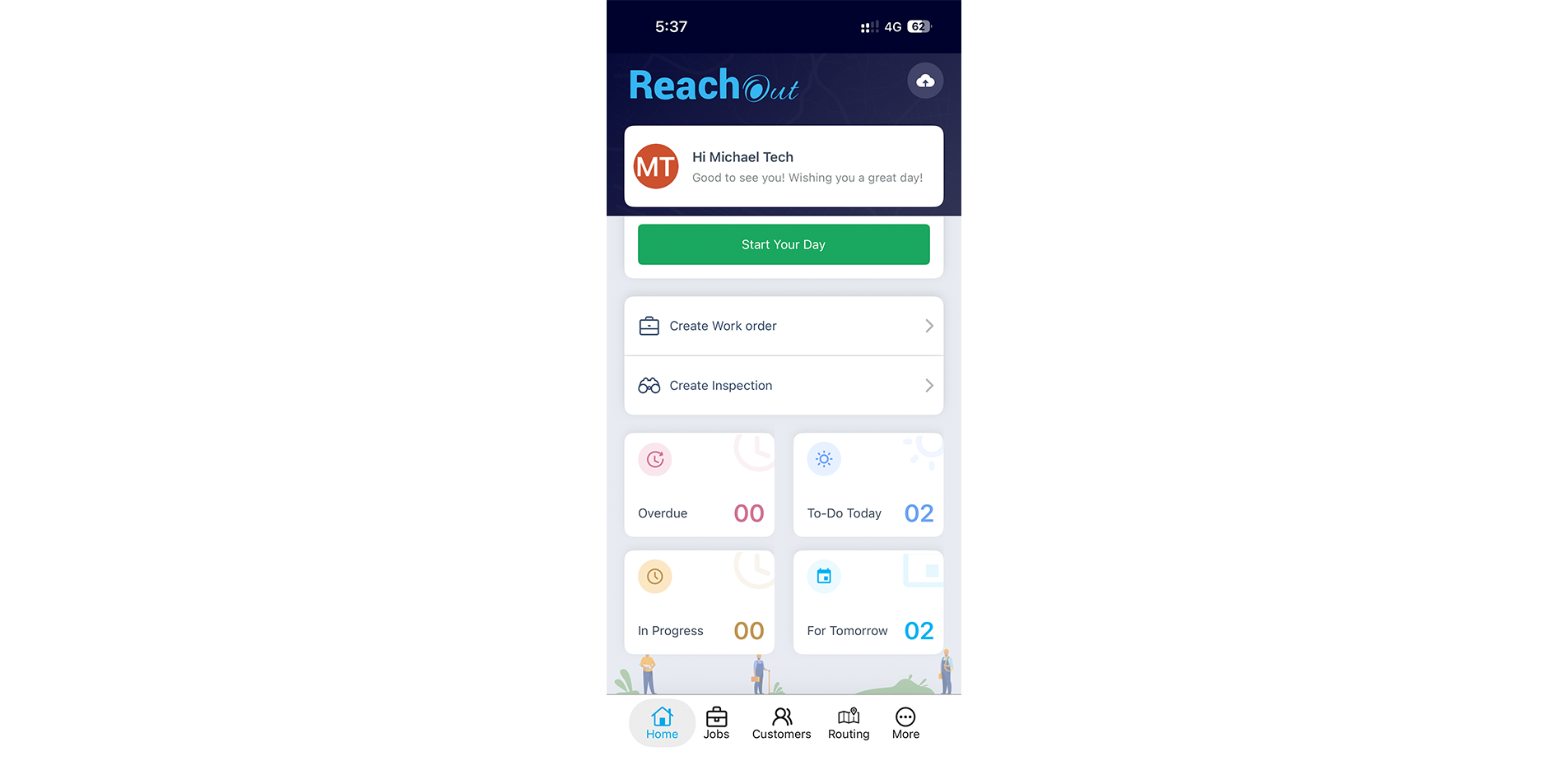
- Using the mobile app, technicians can add new jobs and customer assets, access forms and checklists, view allocated inventory, return unused items, capture customer signatures, and create invoices.
- Technicians heading to different sites can view all their schedules in a single view. Instant mobile alerts notify technicians when new tasks are assigned.
- Using Anytime Image Capturing and Tagging, field techs can capture photos anytime while attending a job, tag them with predefined labels, and store them in the Job Gallery for future reference.
Start Free Trial

Digital Forms
Digital Forms
Customizable Forms & Checklists
- Turn your field crew’s smartphones or tablets into reliable data collection tools that help record service details and job-specific requirements, capture images, annotate, and add comments.
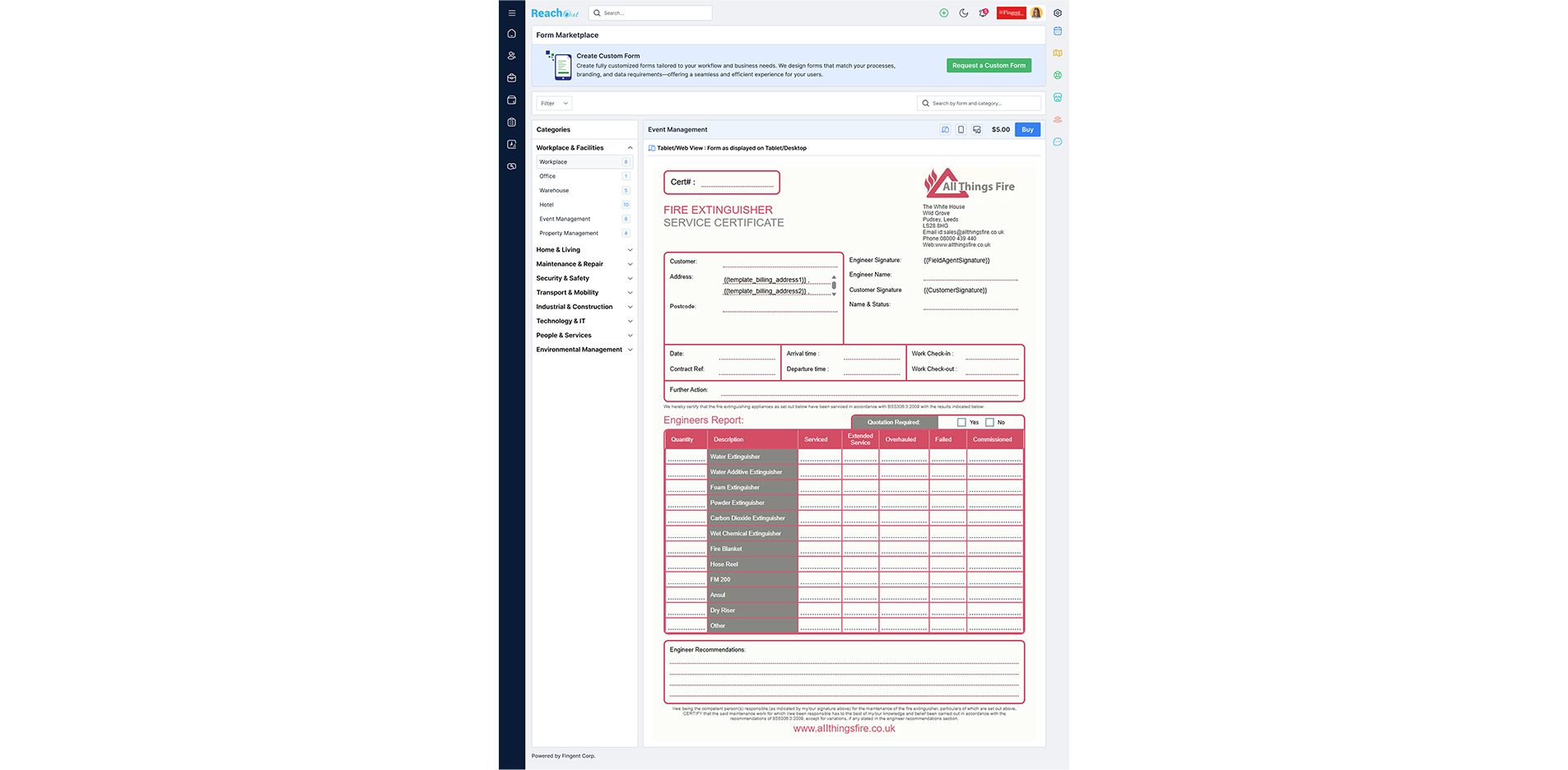
- Convert your existing paper forms to digital forms or get custom digital/styled forms with specific fields created for your business.
- Our digital forms marketplace offers an exclusive collection of ready-to-use industry-specific forms. You can also create standard forms using our built-in form builder with different question types.
Start Free Trial

CRM
CRM
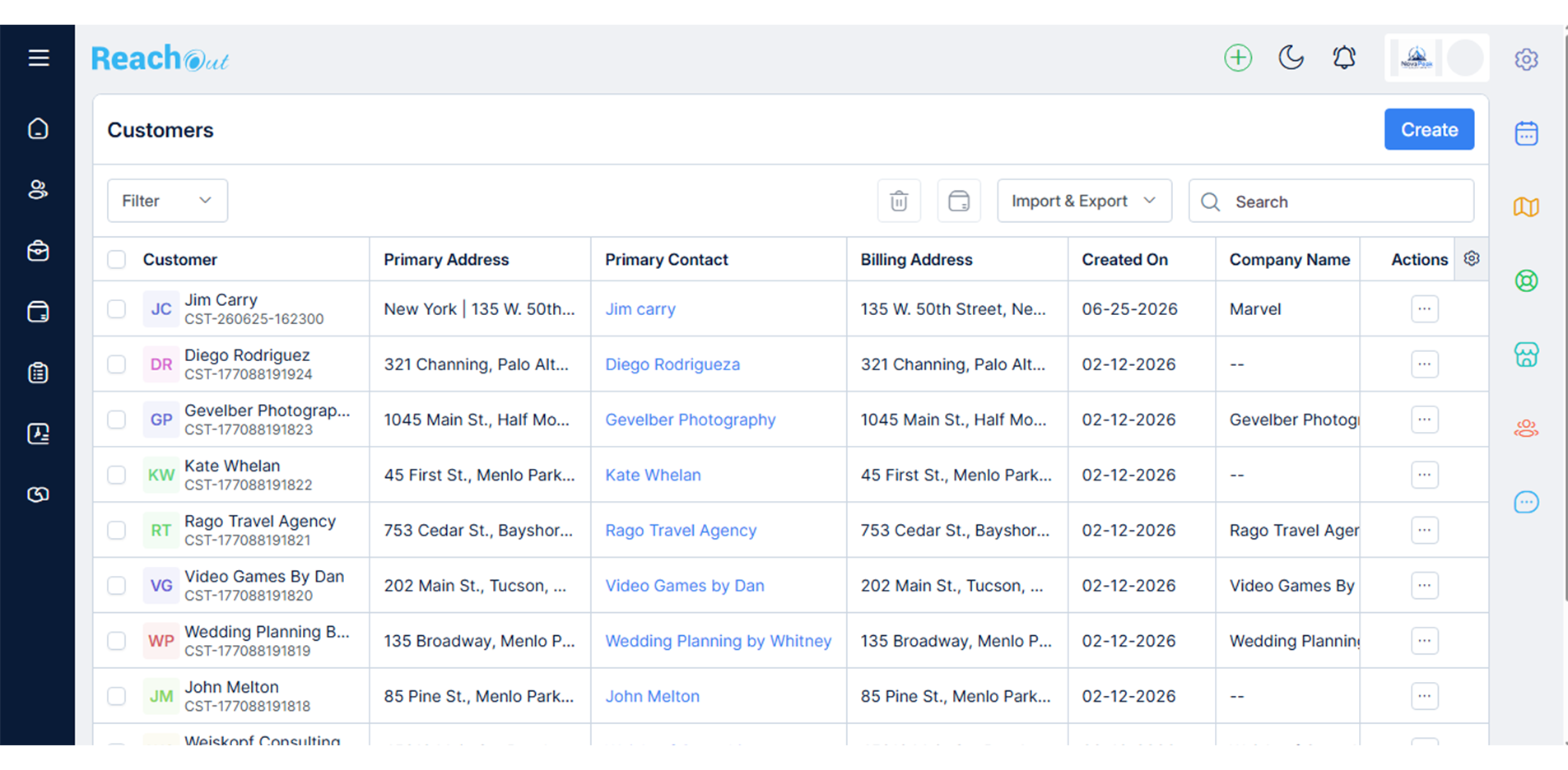
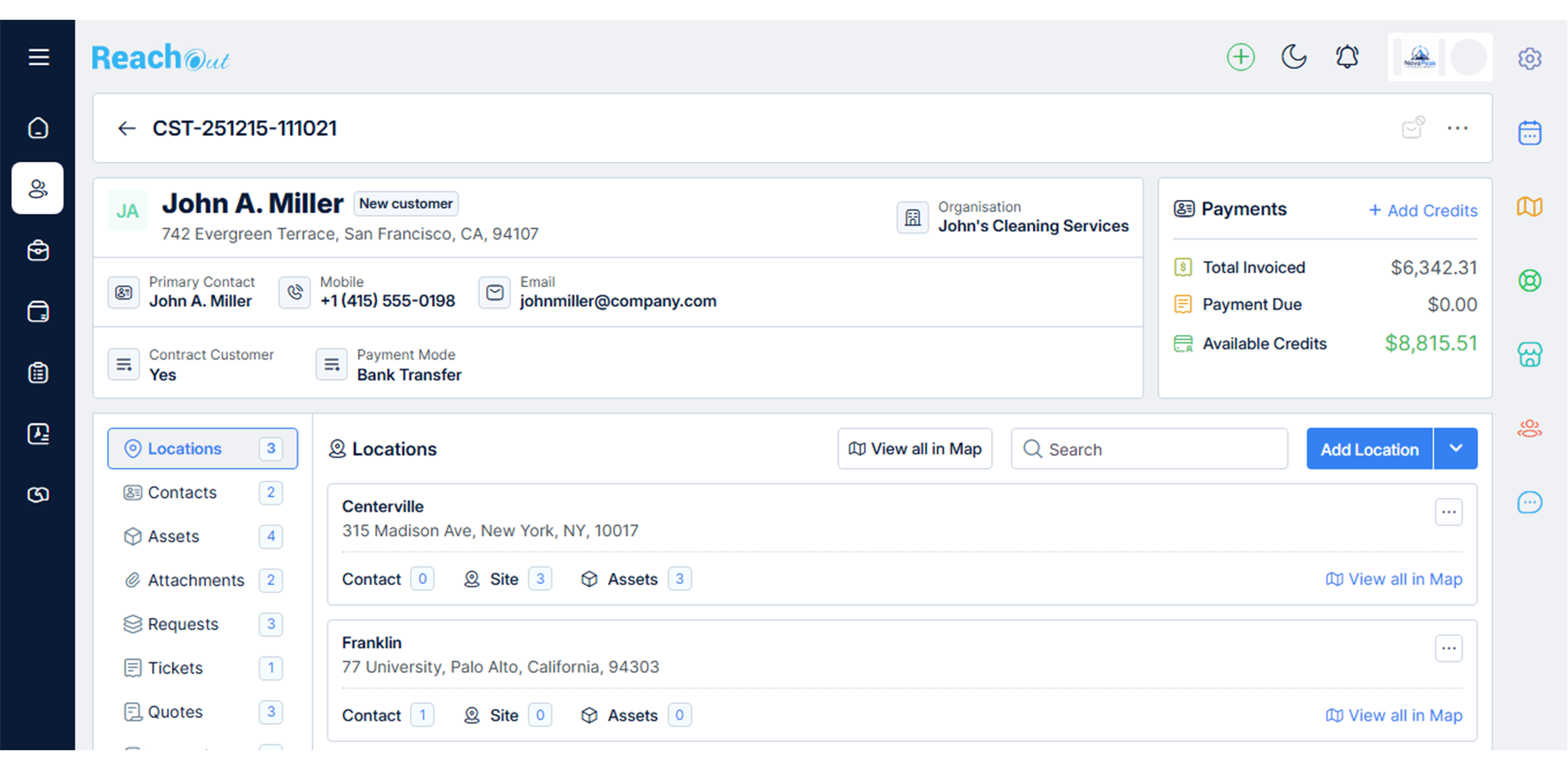
- Store your entire customer data—customer profiles, service history, contact details—all in one place for faster retrieval at any time.
- Record service/support requests received via phone/email as work tickets. Save each ticket for future reference.
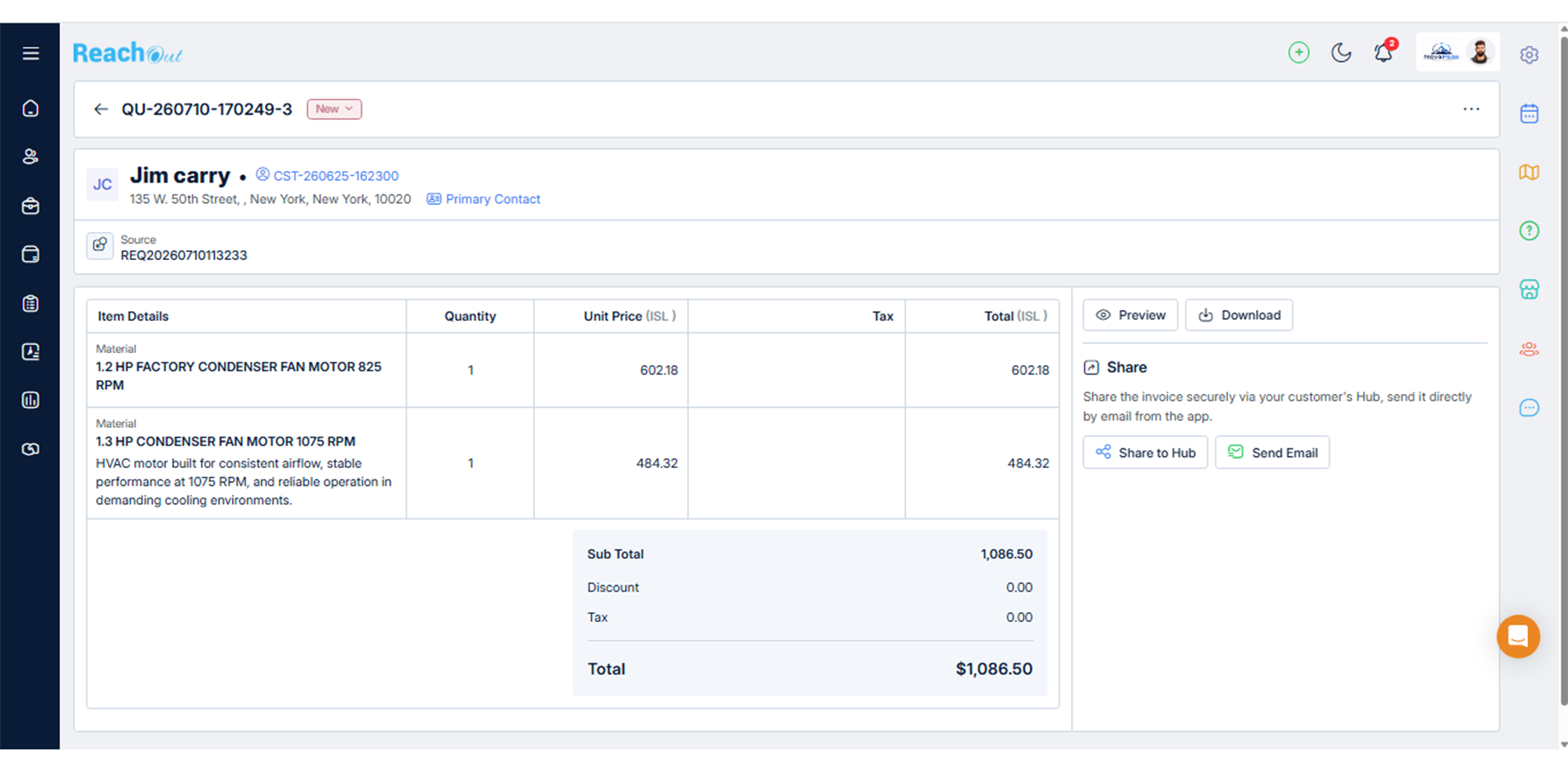
- Raise detailed quotes, including service costs and email them directly to customers. Also, convert approved quotes into a work order or inspection.
Start Free Trial

Customer Portal
Customer Portal
Request Work & Track Status
- Customers can request appliance repair or maintenance service, approve quotes, and review appointments using ReachOut’s online customer portal.
- Customers can track the status of their requests in one place, all by themselves. It saves your customer service team’s time.
- Customers can view the status of their service quotes, approve/reject quotes, request to change quotes, and view and download invoices.
Start Free Trial

Parts Inventory
Parts Inventory
Track Allocated Parts & Returns
View & Organize Parts List
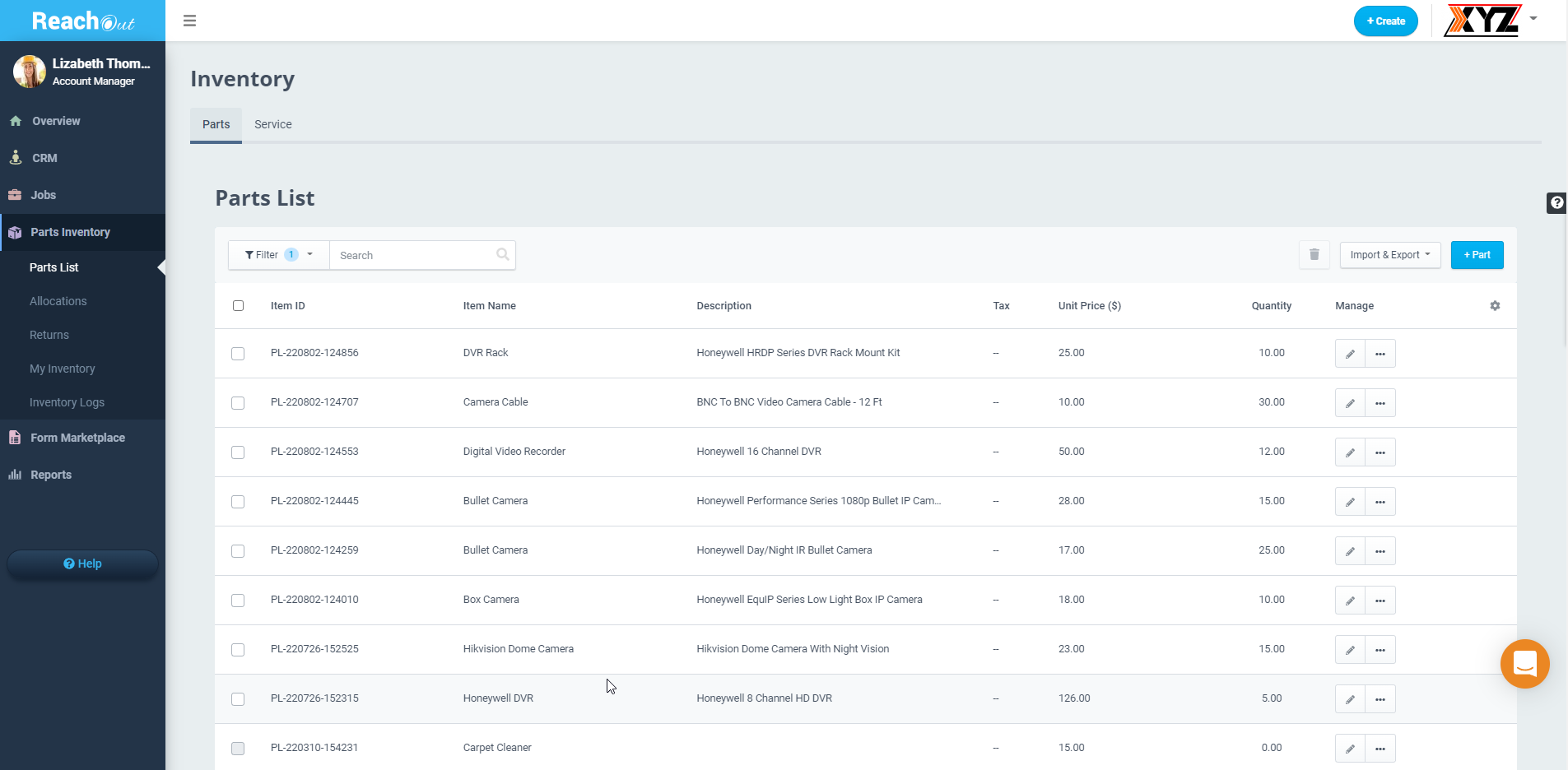
- Track the materials, equipment, and products assigned for appliance repair or maintenance jobs. Ensure inventory usage adheres to your budget.
- Manage returns (accept/reject returns), raise new equipment or spare requests, view the complete inventory list, and track all logs.
- Gain complete visibility into your job costs, margins, inventory allocation, parts usage, charges collected for using extra parts, and more.
Start Free Trial

Field Ticketing, Estimates & Quotes
Field Ticketing, Estimates & Quotes
- Record the initial stages of all jobs as tickets and convert the tickets into work orders or inspections to make your workflows more transparent.
- Create detailed estimates for each job, including parts, overheads, and labor costs. Convert job quotes to work orders/inspections and raise invoices upon job completion.
- Create quotes easily, convert approved quotes to work orders, and ensure effective and prompt services without hassles.
Start Free Trial

Accounting Integration & Open APIs
Accounting Integration & Open APIs
QuickBooks & Xero Integration
Transparency in Accounting
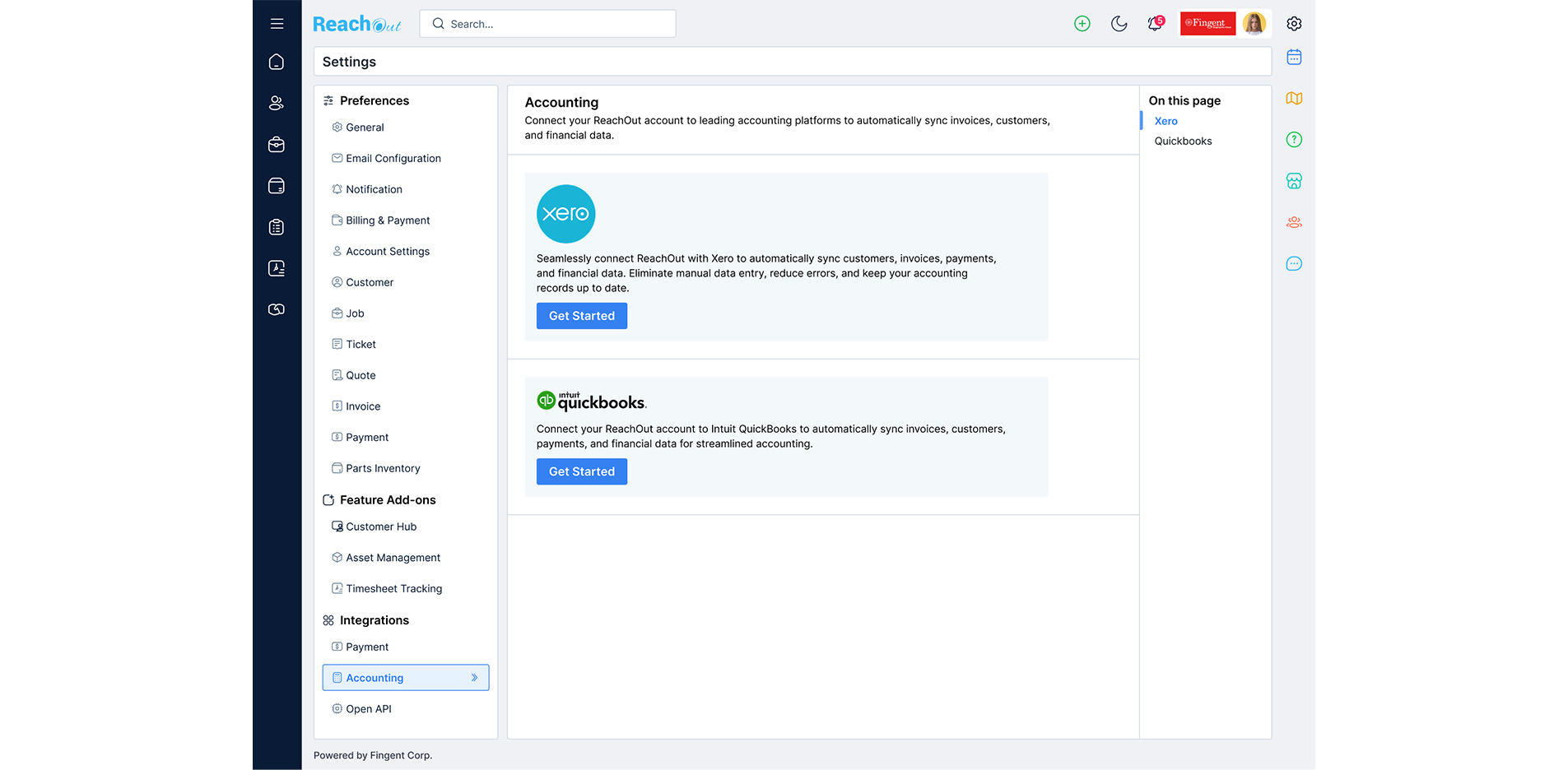
- Integrate ReachOut with QuickBooks Online or Xero accounting software to track and review your financial transactions.
- ReachOut integrates with external accounting software QuickBooks Online and Xero, so you can sync details related to your customers, invoices, and payments to the accounting software directly from ReachOut.
- Access information related to customers, jobs, tickets, invoices, and other modules on ReachOut through open APIs and integrate the details with your system.
Start Free Trial

Job Tracking
Job Tracking
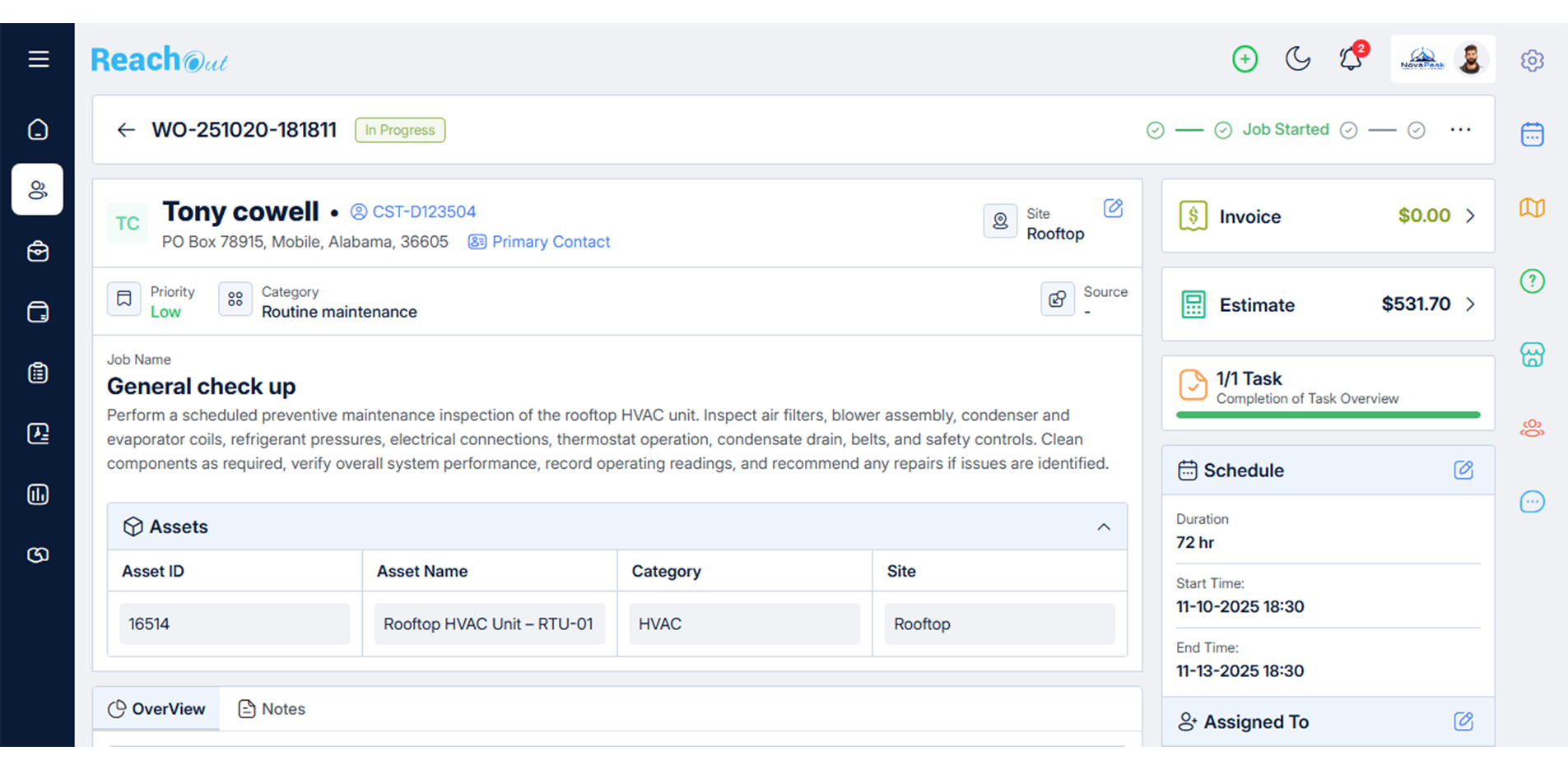
- Get a quick snapshot of the most recent status of a job using the progression bar.
- Keep track of the recorded working hours of your electricians and technicians for payroll purposes and to maintain accurate timesheets
- Confirm that technicians have arrived at the customer’s location by verifying it through the geofencing feature.
Start Free Trial

Asset Management
Asset Management
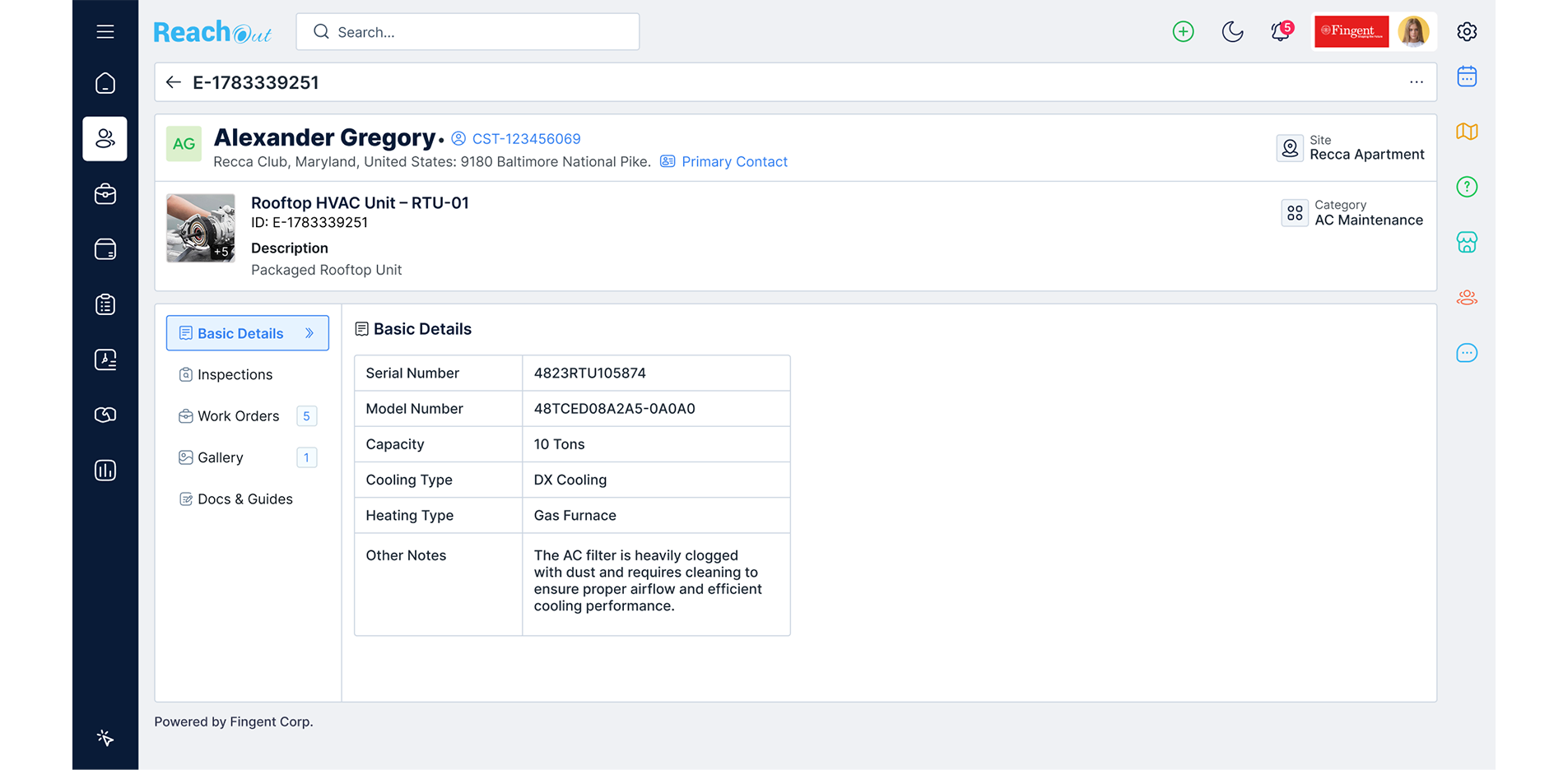
- Technicians can manage and maintain assets at customer locations like home appliances, electrical devices, light fittings, wiring, and other equipment.
- Define new assets with specific attributes and categorize them for easy reference. Link assets to work orders or inspections.
- Readily access detailed asset service history for preventive maintenance, quick diagnostics, and repairs.
Start Free Trial














































 Try 7 Days for FREE!